LiveCode is the premier environment for creating multi-platform solutions for all major operating systems - Windows, Mac OS X, Linux, the Web, Server environments and Mobile platforms. Brand new to LiveCode? Welcome!
I have an extra seat for the 5.0 commercial license does anyone know the procedure to transfer that seat to another user.
I purchased this some time ago with the intention of recruiting an additional user to provide support I never used the software so I am looking at transferring to someone who might have a need for an extra seat.
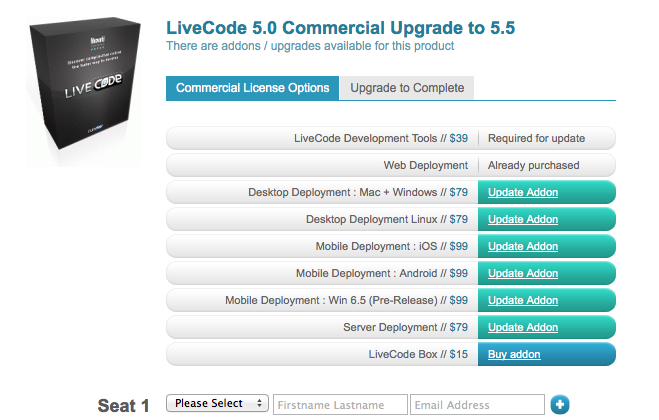
At the bottom of your screen shot is the section labeled "Seat 1", with fields for entering a user name and email address. When my company raffled a devserver computer at RevLive, Kevin had generously donated licenses for LiveCode desktop and server for it, which I was able to presinstall by having those added to my own account. When the raffle winner was announced, I just went into the store and put the winner's info on those fields, and that was all that was required to transfer the license.
Richard Gaskin LiveCode development, training, and consulting services: Fourth World Systems
LiveCode Group on Facebook
LiveCode Group on LinkedIn